Resize
Three tool groups for the size and stretching of shapes — all relative to the reference object.
Equalize Size (Resize)
Adjusts the height, width, or both of one or more shapes to match the dimensions of the reference object. The position remains unchanged.
| Icon | Function |
|---|---|
 |
Equalize height — height of all selected shapes = height of the reference object |
 |
Equalize width — width of all selected shapes = width of the reference object |
 |
Equalize both — height and width are both adopted |
Stretch
Stretches the edge of a shape to the corresponding edge of the reference object. The shape is enlarged in one direction — the opposite edge remains at its position.
| Icon | Function | Animation |
|---|---|---|
 |
Stretch left — left edge to the left edge of the reference object | 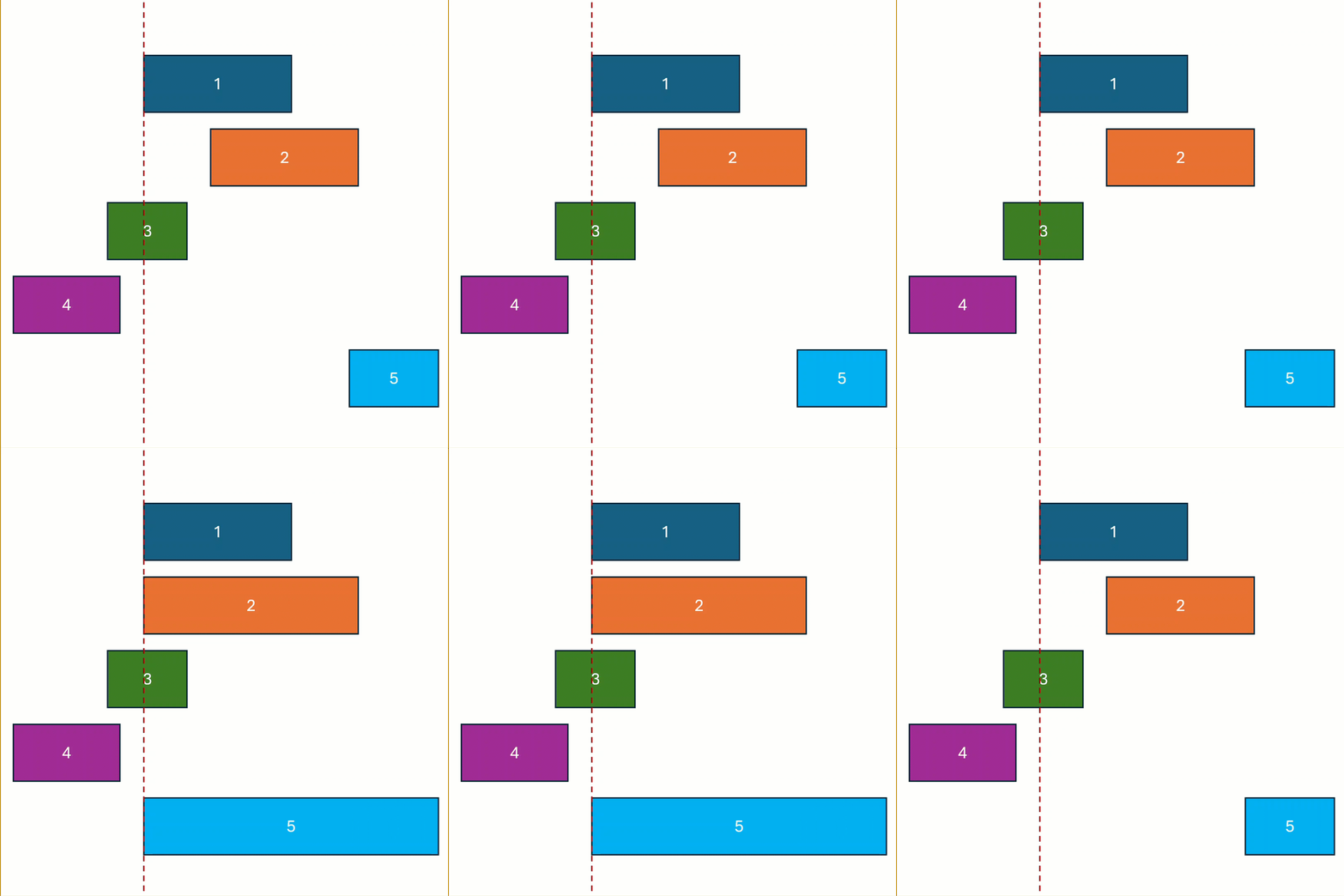 |
 |
Stretch top — top edge to the top edge | 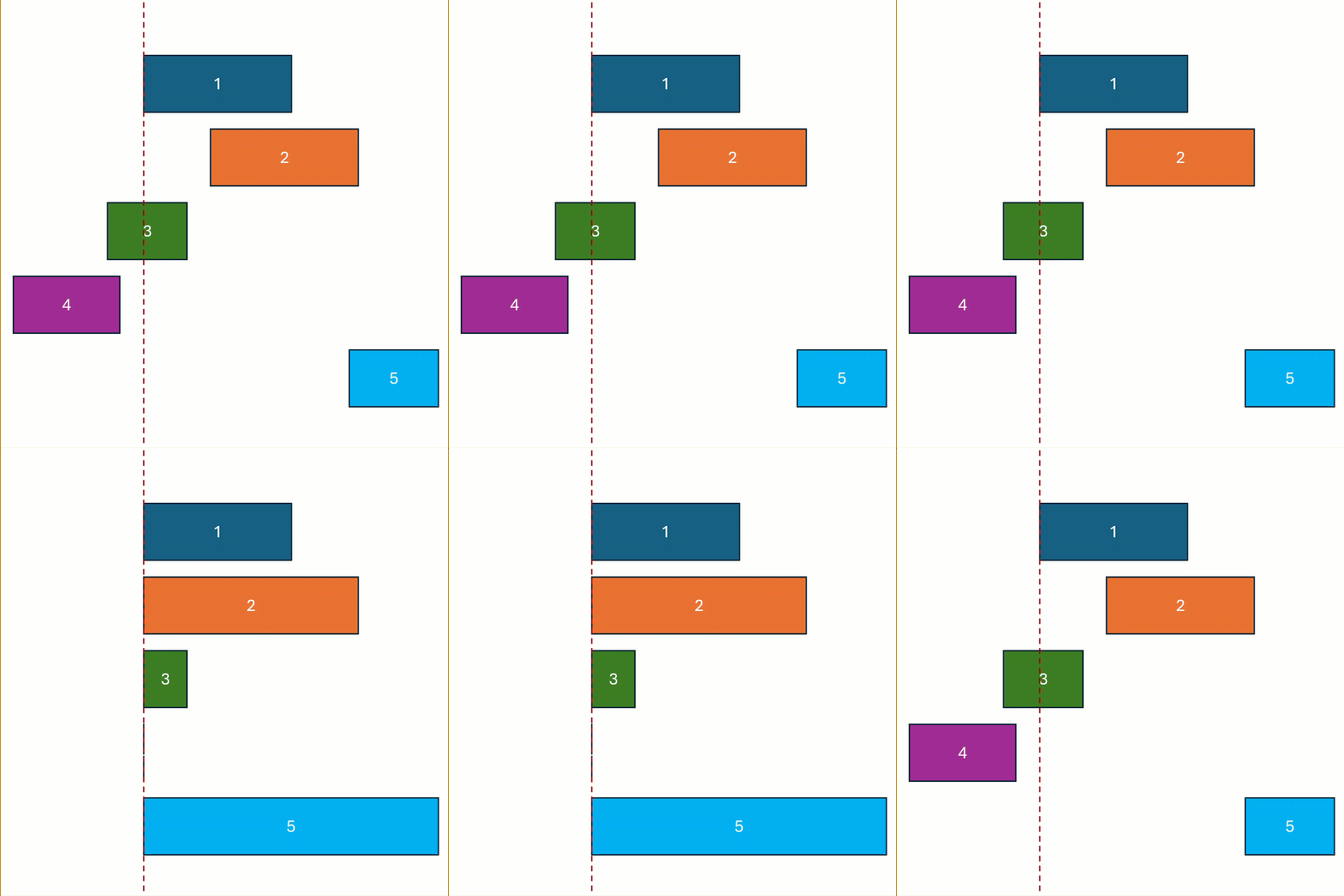 |
 |
Stretch right — right edge to the right edge | 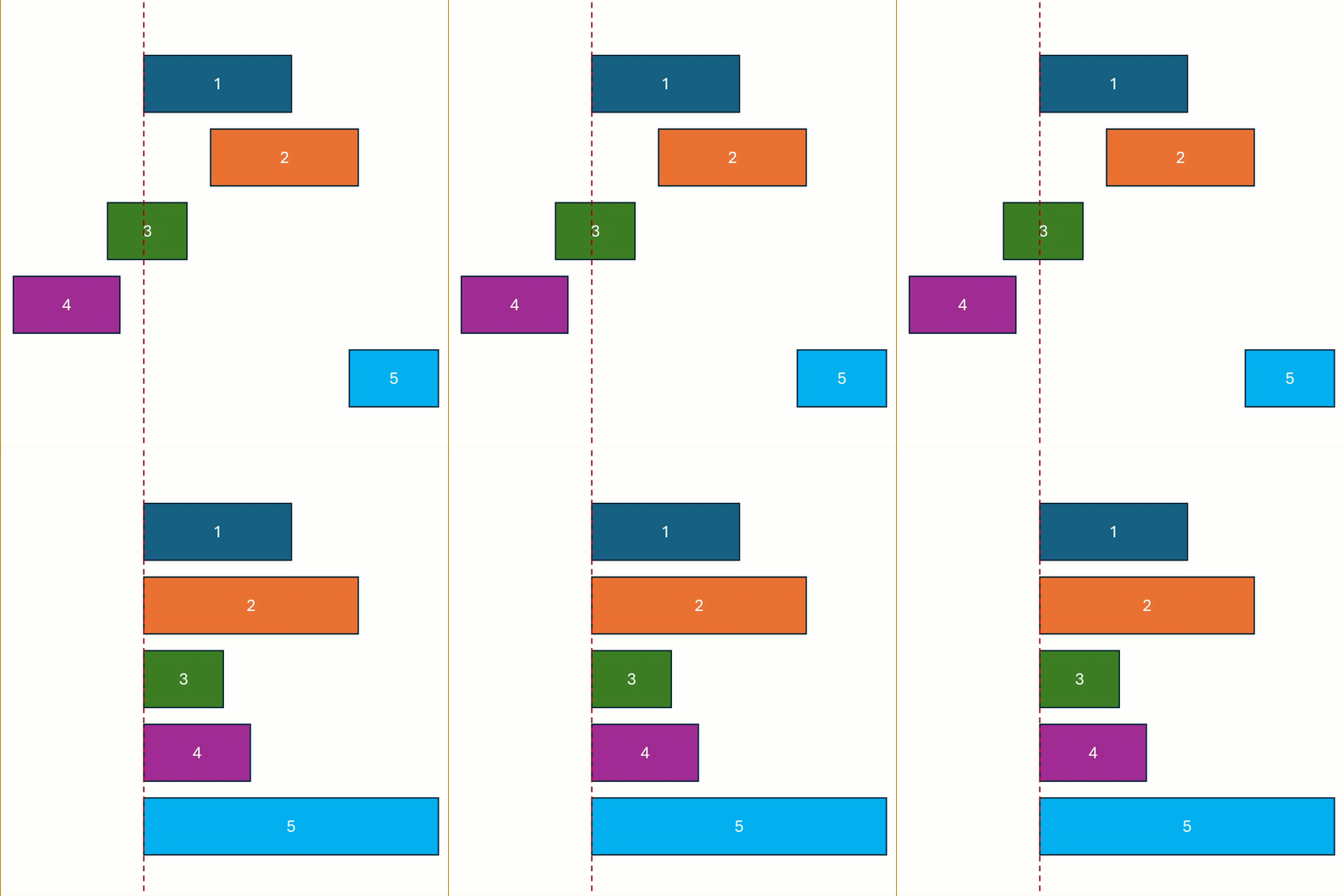 |
 |
Stretch bottom — bottom edge to the bottom edge | 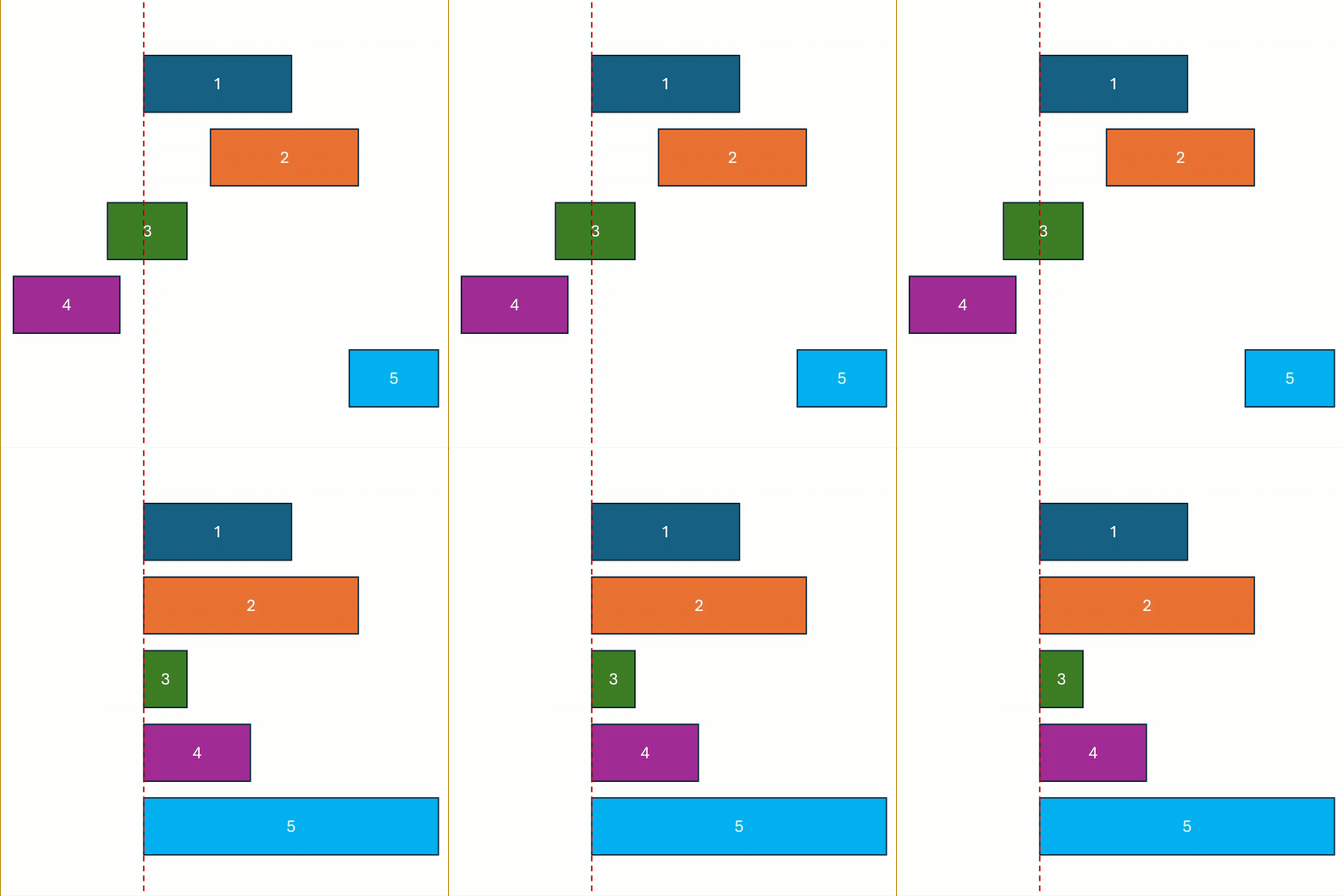 |
Stretch vs. Resize
Resize adopts a fixed dimension. Stretch extends the shape to a boundary — the resulting size depends on the current position of the shape.
Fill Gap
Fills the gap between a shape and the reference object by extending the corresponding edge of the shape to the edge of the reference object.
| Icon | Function | Animation |
|---|---|---|
 |
Fill gap left | 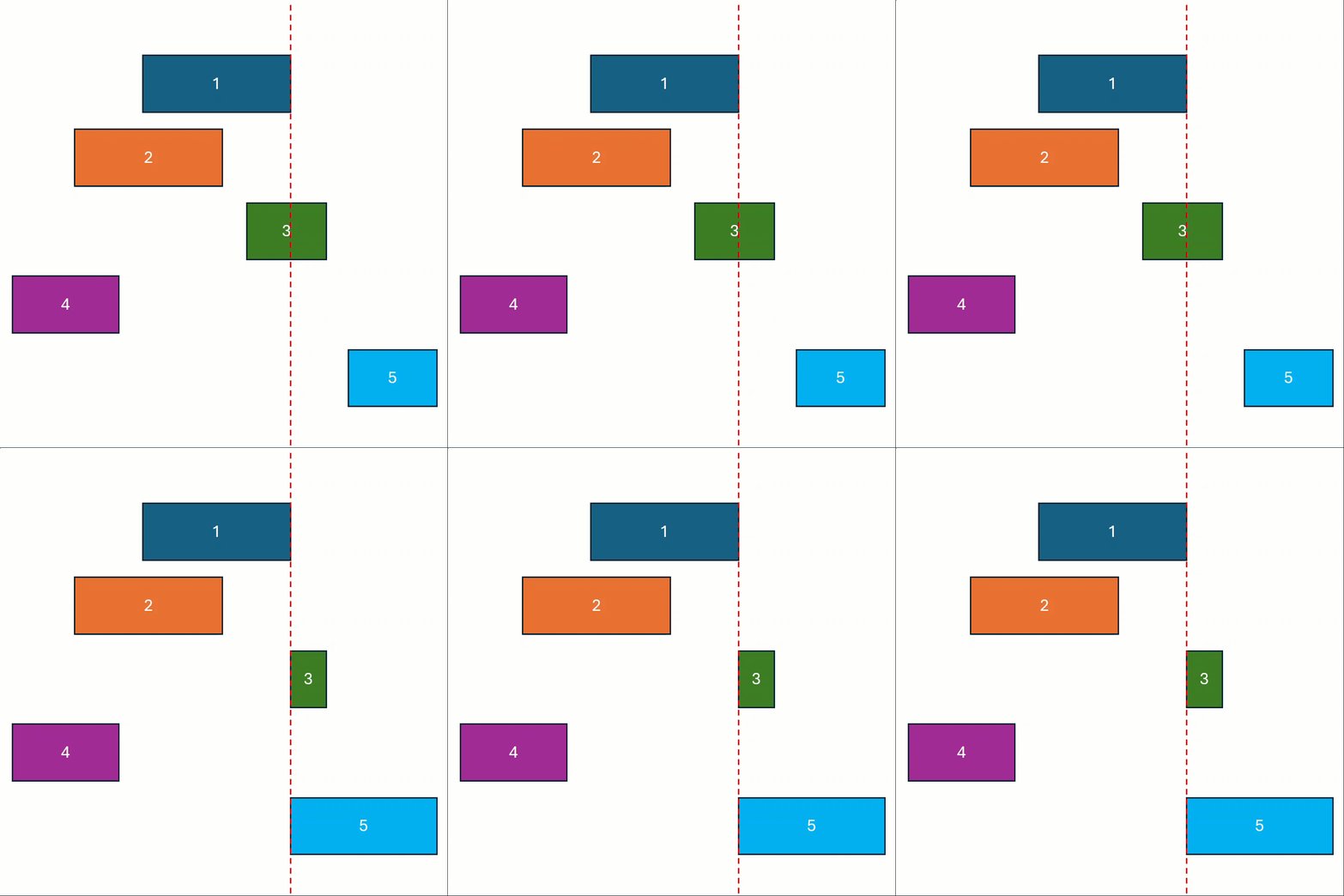 |
 |
Fill gap top | 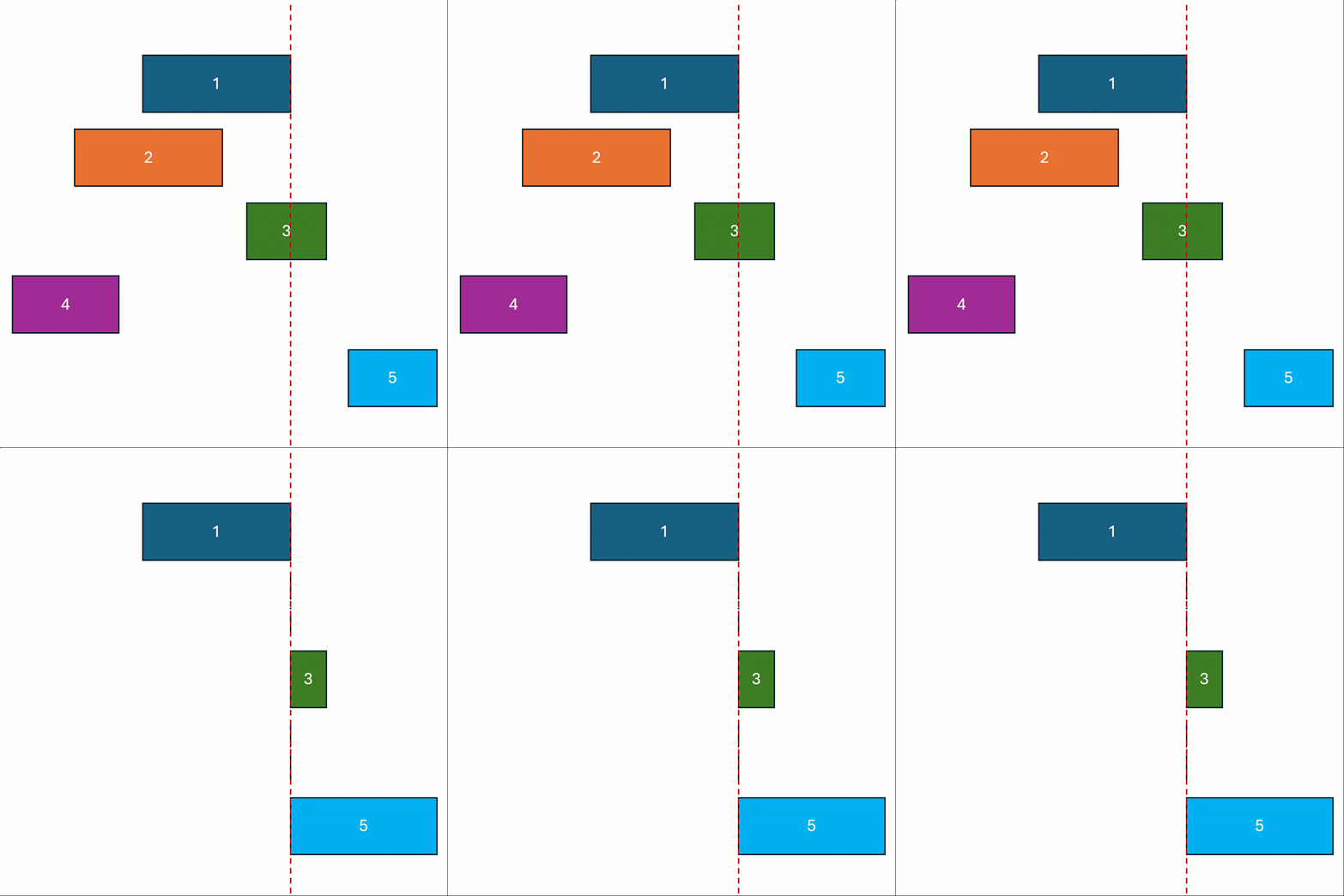 |
 |
Fill gap right | 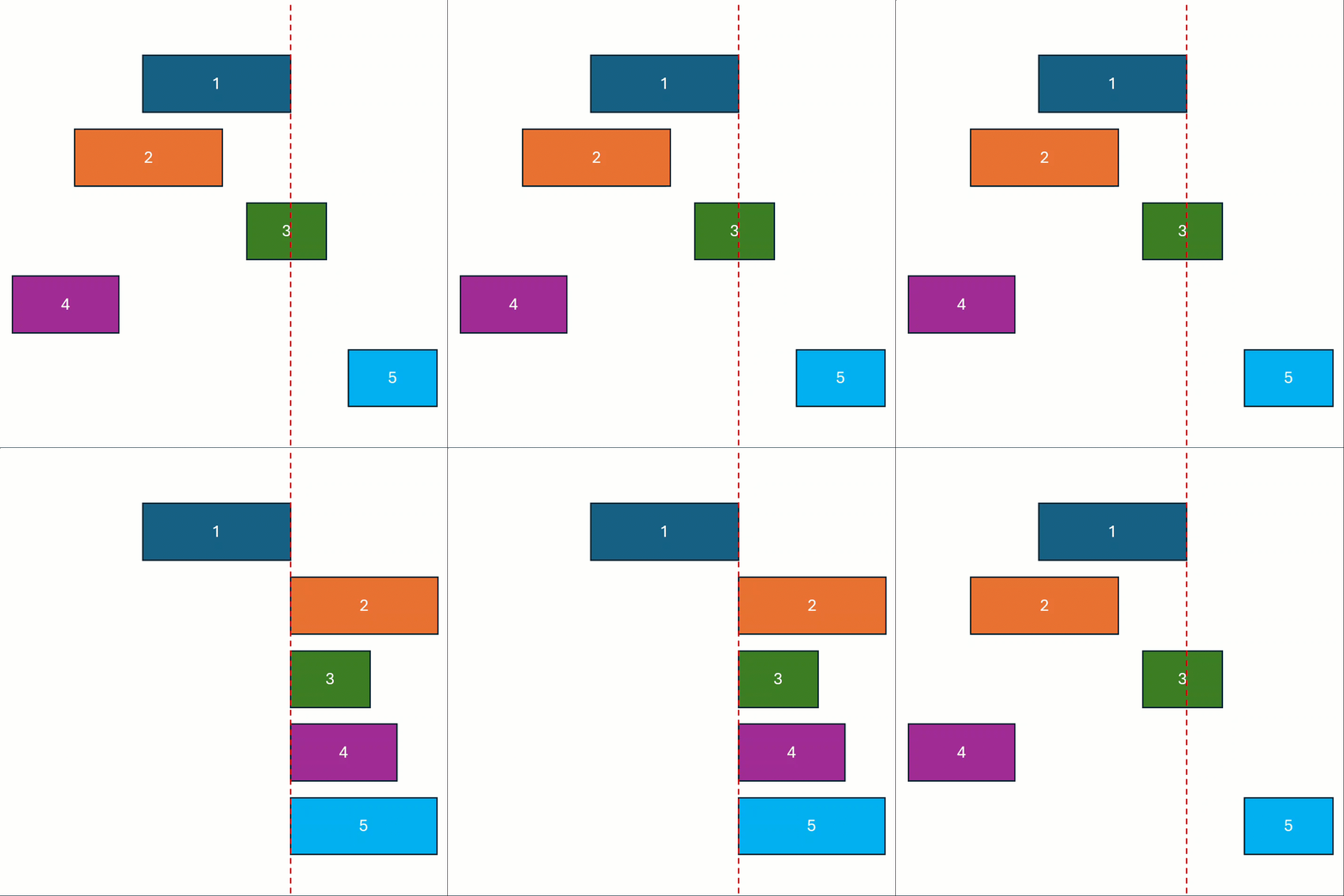 |
 |
Fill gap bottom | 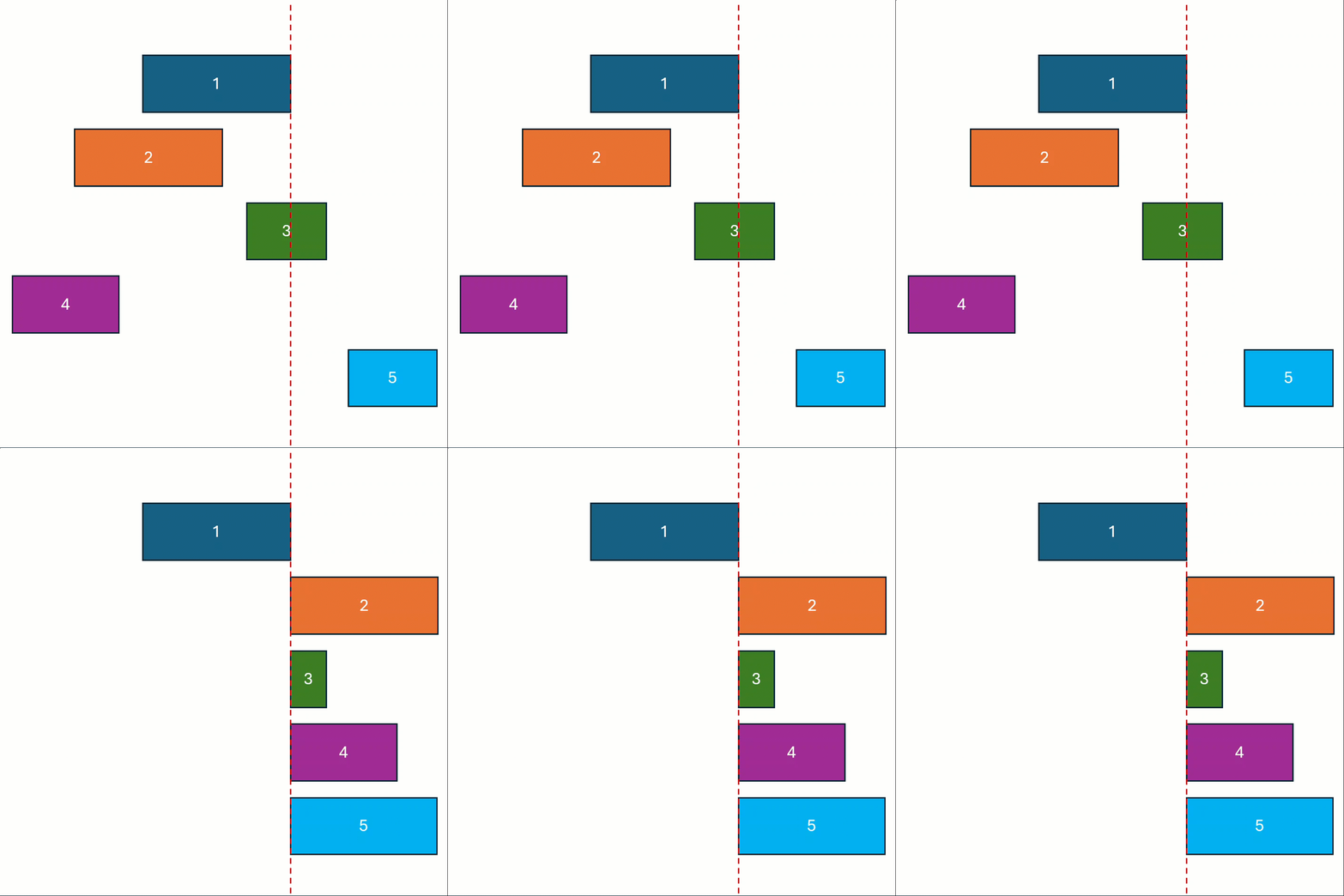 |
Fill Gap vs. Stretch
Stretch pulls the edge to the boundary of the reference object — the shape can become larger or smaller. Fill Gap only fills the gap to the reference edge — the shape always becomes larger (stretched towards the boundary). The behavior of both tools is configurable in Master Settings.