Traffic Lights
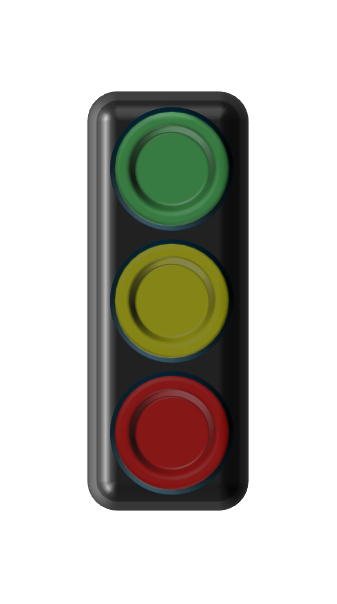
Inserts traffic light shapes onto the active slide — ideal for status displays and assessments in project presentations.
Accessing
PPPTools → Open Task Pane → Shapes & Content → Traffic Lights
Available States
| Icon | State | Usage |
|---|---|---|
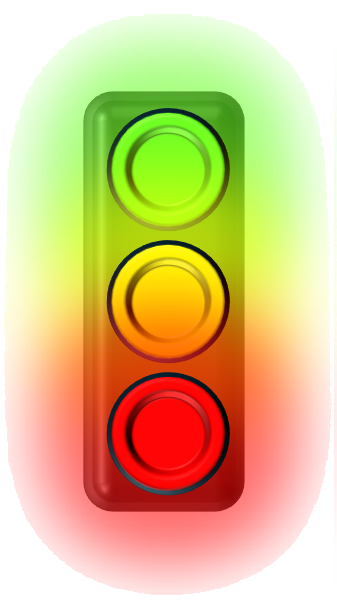 |
All | All three lights on — general traffic light symbol |
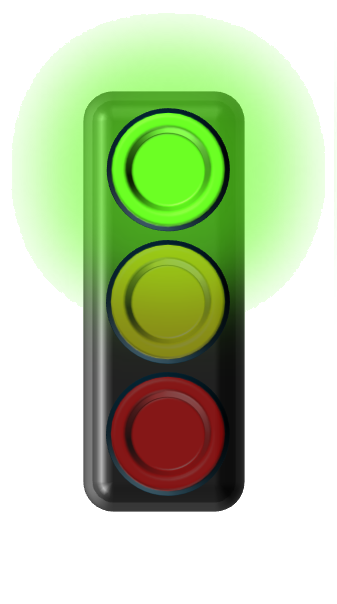 |
Green | Status: OK / approved / on track |
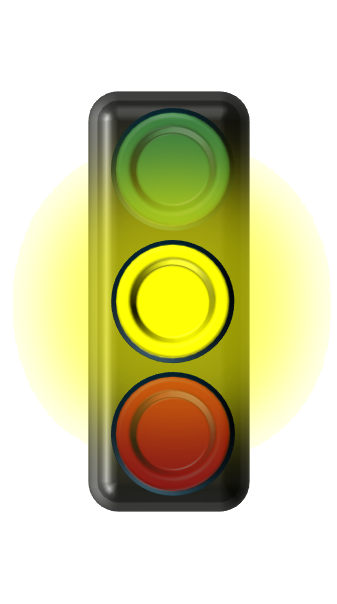 |
Yellow | Status: Caution / in progress / risk present |
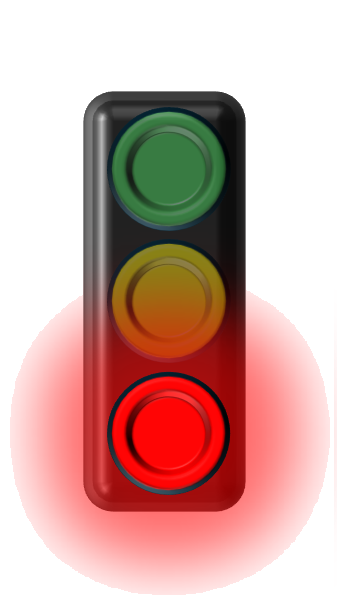 |
Red | Status: Problem / blocked / not OK |
 |
None | All lights off — neutral traffic light |
Inserting
- Select the desired state in the Task Pane
- Click Insert
- The traffic light appears on the slide and can be scaled and positioned
Status Reports
Traffic lights are particularly suitable for regular status reports: project status, risk assessments, milestone overviews.