Venn Diagrams — Types & Basics
With PPPTools, Venn diagrams can be created, formatted, and saved as templates directly in PowerPoint. All settings are located in the PPPTools Task Pane.
Accessing
PPPTools → Open Task Pane → Venn Diagram
Available Types
PPPTools supports four basic types:
Type 1 — 2 Circles, Simple
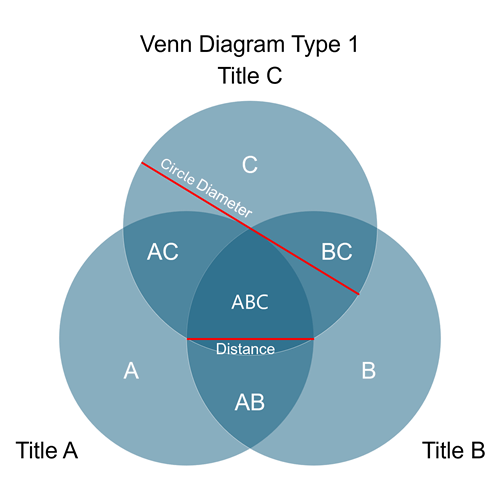
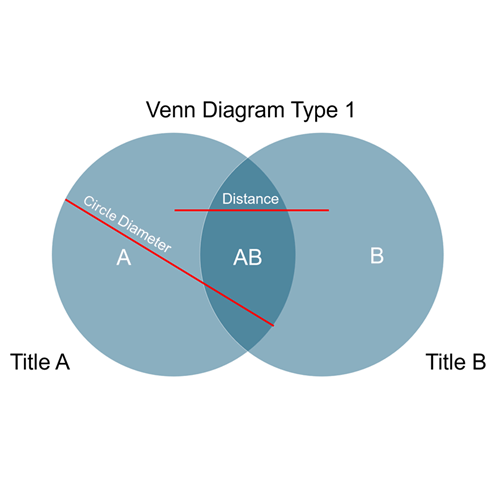
Two overlapping circles with one intersection (AB).
Type 2 — 2 Circles, Variants
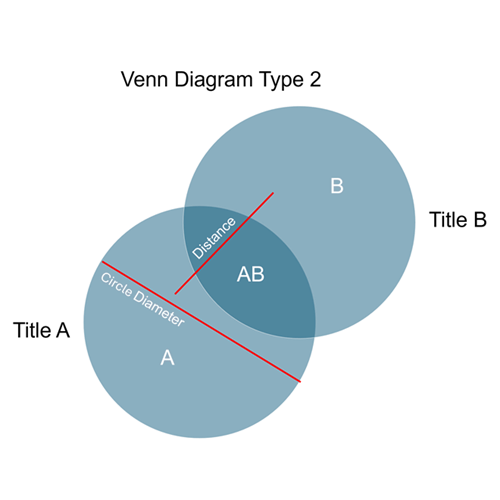
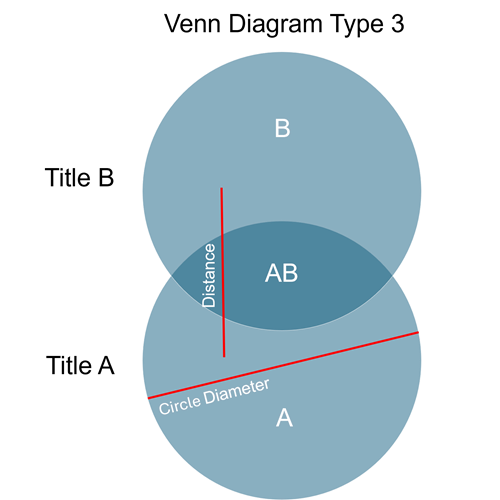
Four layout variations for 2-circle diagrams with different overlap:
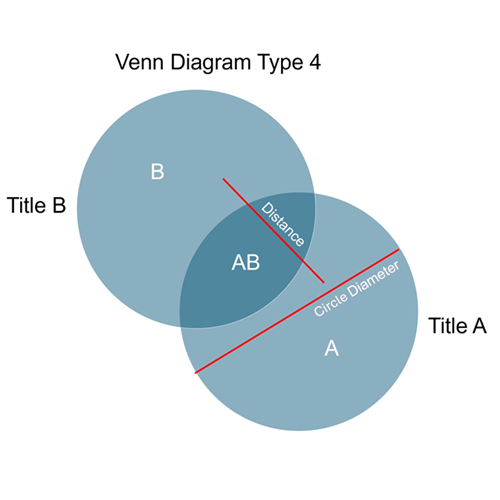
Type 3 — 3 Circles
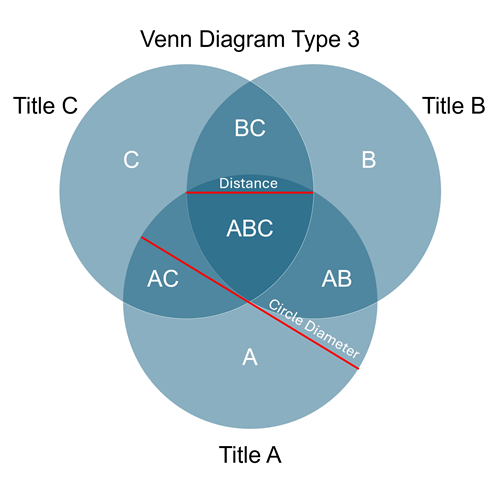
Three overlapping circles with seven intersection areas: A, B, C, AB, BC, AC, ABC.
Type 4 — 3 Circles, Fragmented
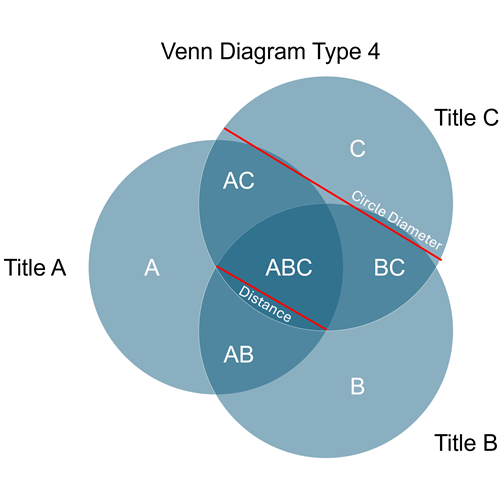
Three circles as separate segments — without a common overlap of all three.
Circle Parameters
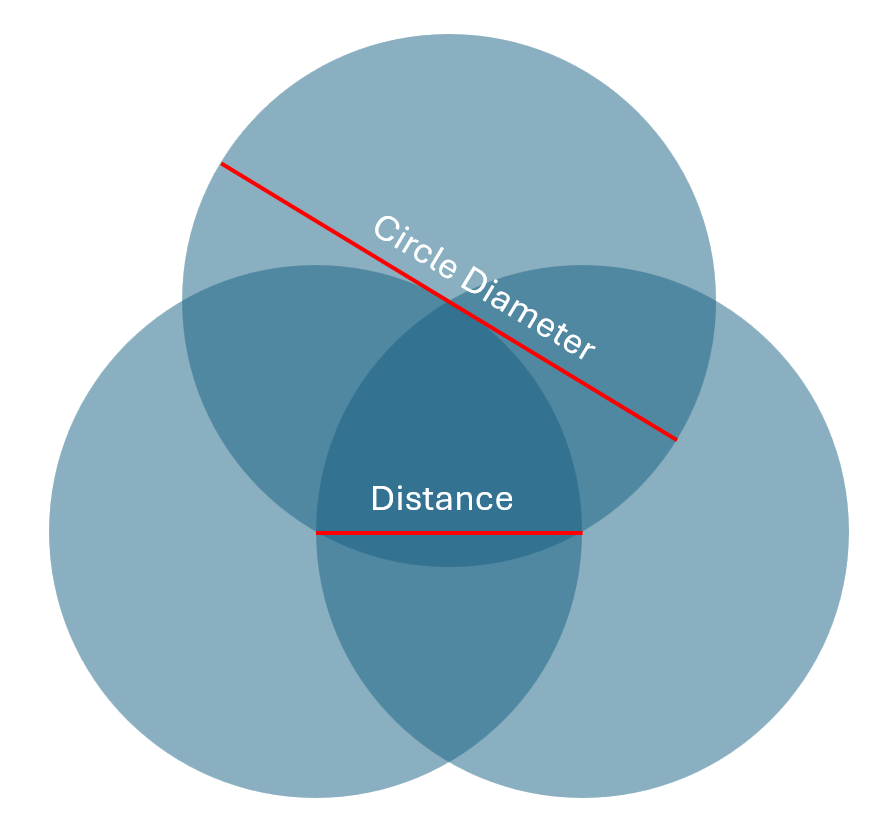
| Parameter | Description |
|---|---|
| Diameter | Size of the individual circles (all the same size) |
| Gap | Overlap depth — small value = large intersection, large value = small intersection |
| Fragment circles | Checkbox: draws the circles as separate, non-overlapping segments |
Creating a Diagram
- Select a type from the Template dropdown
- Set parameters (diameter, gap)
- Click Create — the diagram is inserted on the active slide
- Adjust formatting and texts in the further tabs
Load Template
Saved templates appear in the dropdown — this allows a proven design to be reused immediately. See Templates.